
- Products
-
Wings ERP ClassicFor Trading, Manufacturing & Services
-
Wings ERP FMCGFor FMCG & Packaged Goods
-
Wings ERP Retail A&FApparel & Footwear Retail
-
Wings ERP AutoFor Dealers Of 2, 3 & 4 Wheelers
-
Wings ERP EAElectronics & Appliances
-
Wings BooksDesktop Accounting & Inventory Software
-
Wings TradeTrading & Distribution Management
-
Wings ERP PayrollComplete Payroll Management
-
Wings ERP Fixed AssetsFixed Assets Management
-
Wings Data CloudCloud Data Management & Analytics
Small Business
-
- Platform
-
Web-based Multi-BranchMulti-location business management
-
Document ManagerCentralized document storage
-
AuthorisationRole-based access control
-
AlertsSmart notification system
-
SMS & EmailingCommunication management
-
Business IntelligenceAdvanced analytics dashboard
-
Reports DesignerCustom report builder
-
Audit TrailComplete activity tracking
-
Templates GalleryPre-built templates
-
Multi-CurrencyGlobal currency support
-
GST ComplianceTax compliance automation
-
Scheduled ReportsAutomated report delivery
-
Forms DesignerCustom form builder
-
DevicesMulti-device compatibility
-
Role-based User RightsGranular permission control
-
- Clients
- Partners
- Blog
- About Us
Scheduled Reports
In Wings ERP, you can schedule specific reports to be generated and sent to specific individual users at pre-determined times. This helps improve efficiencies and ensures that action required from specific data gets taken.


Report Scheduling
Reports can be configured as per users’ needs. While configuring the report, you can choose the data to include, the format (Excel, PDF, HTML), and the time it should be automatically sent to the respective email IDs.
Before finalizing the report configuration, it can be previewed for accuracy.
A sample of how reports can be scheduled is shown here.
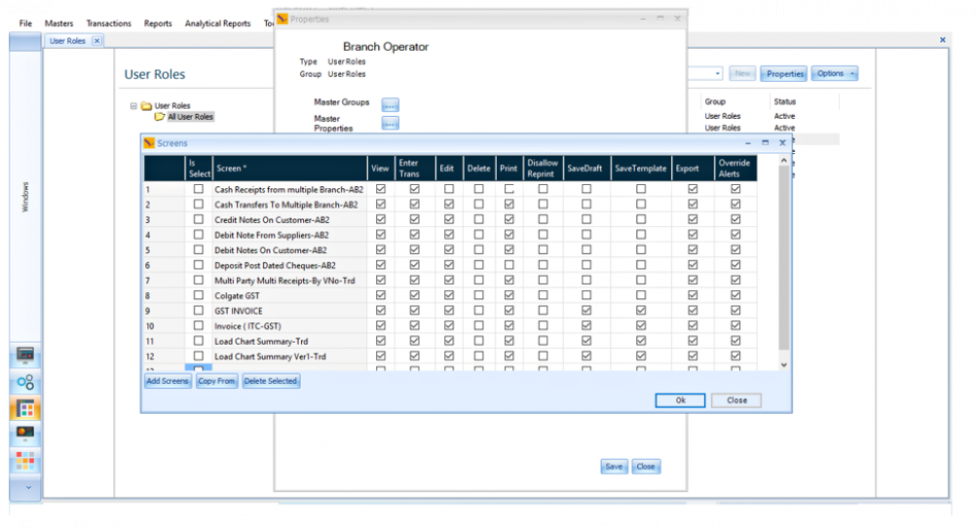
Report scheduling in action
Ready to Transform Your Business?
Experience the power of Wings ERP Classic with a personalized demo
×