
Reports Designer
Reports Designer
Wings Reports Designer is a powerful tool making it possible for you to modify and take reports exactly as you want them. And to make new reports.


You can work on columns to hide and unhide, column widths, arrangement, fonts, colours, column titles, word wrap, sort orders, grouping, tree-grouping, filters, conditions, export to Excel, pdf or CSV, emailing etc.
You can add additional data to existing reports of any kind: Master Field, Transaction Field, Accounts, Date Etc.

You may do many things with your data:
- Options
- Group
- Tree
- Tools
- Charts
- Find
- Pivot
- Sort Ascending
- Sort Descending
- Group By This Column
- Show Group By Box
- Hide This Column
- Column Chooser
- Best Fit
- Best Fit All Columns
- Filter Editor
- Show Find Panel
- Show Auto Filter Row
- Configure Columns
Manage Columns
- Hide
- Rearrange All Columns
- Cumulative
Views
- Filter
- Strike Columns
- Remove Duplicate View
- Word Wrap
Data
- Filter
- Hide
- Column Conditions
- Report Conditions
- Format
Conditional Formatting
- Conditional Formatting
- Sub Total
- Remove Decimals
- Remove Duplicate Data
- Column Totals
- Sort
- Matrix
- Tree Summarized
- Rearrange
- Special Columns
Formatted Text
- Formatted Text
- Amount In Words
- Convert String to Numeric
- Formula
- Combine Column Values
- Images
- Master Related
Master
- Master Property
- Master Node Column
- Node Hierarchy
- Master Alias
Dates
- Transaction & Time
- Month Columns
- Year Columns
- Date And Month Columns
- Month And Year Columns
- User Defined Date
- Week Number
- Current Date
- Dates Differences
Transaction Fields
- Transaction Fields
- Transaction Field
- Condition Columns
Account & Stock Balances
- Account and Stock Balances
- Stock Balances
- Account Balances
- Stock Value
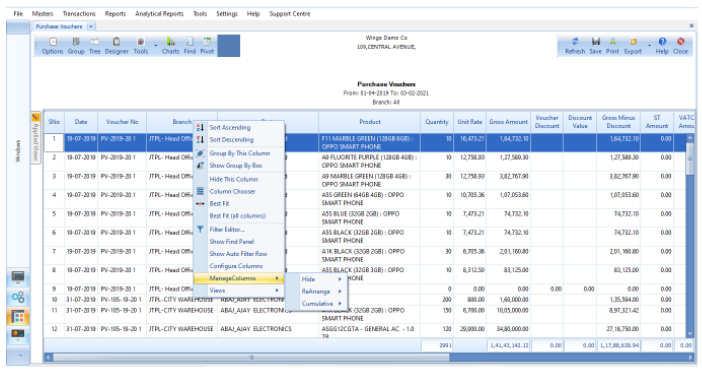
Field Operations
You can choose the fields to Filter, Word-wrap, Remove Duplicate, etc.
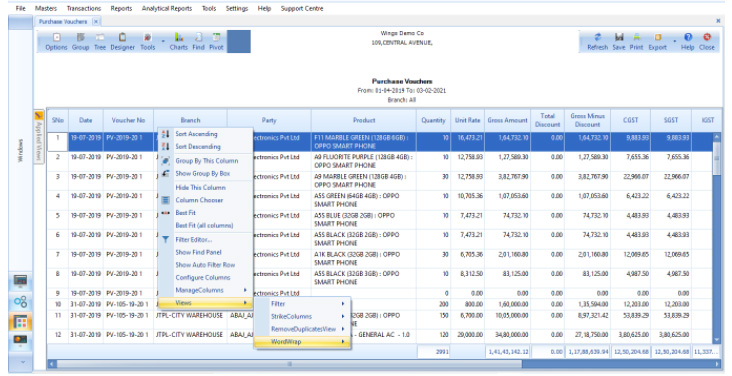
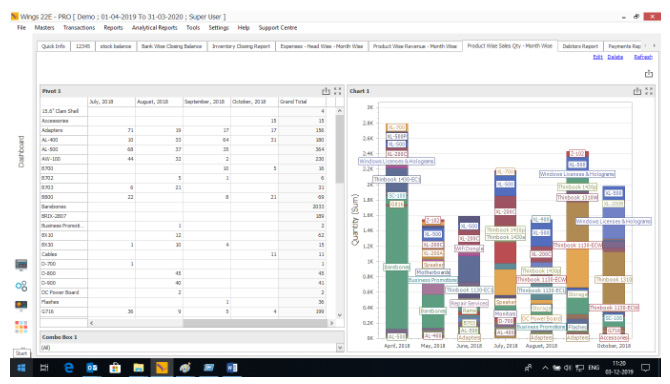
Configure Pivot Tables
Configure Pivot tables from reports to organize and summarise your data effectively.
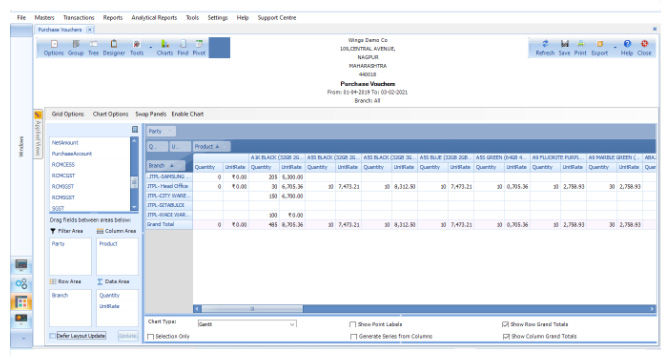
Export Reports
All the reports can be exported to Excel, PDF, CSV, and other formats for easy sharing.
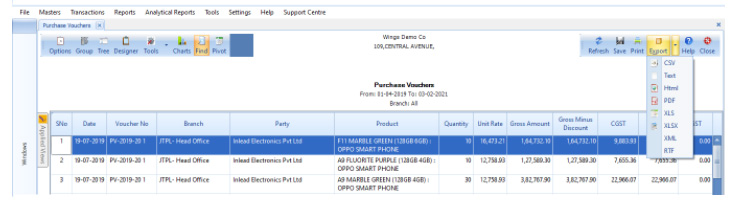
Group Fields
To analyze the data, you can group the fields to evaluate and summarize information efficiently.
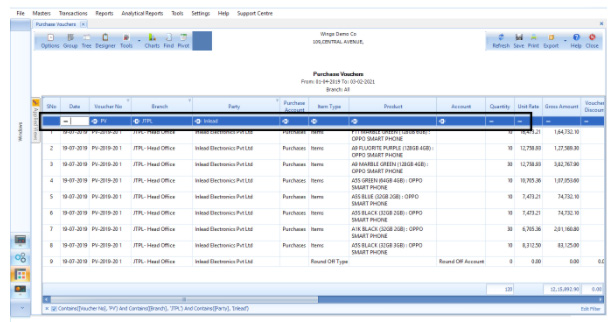
Search by Columns
You can search in the reports by columns to quickly locate the data you need.
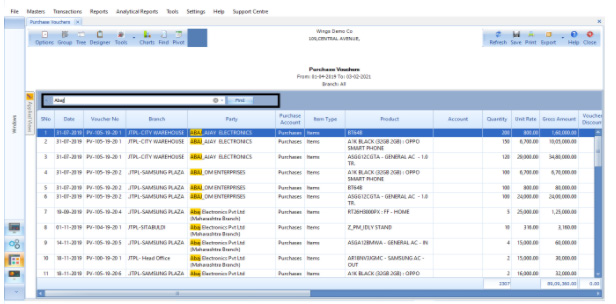
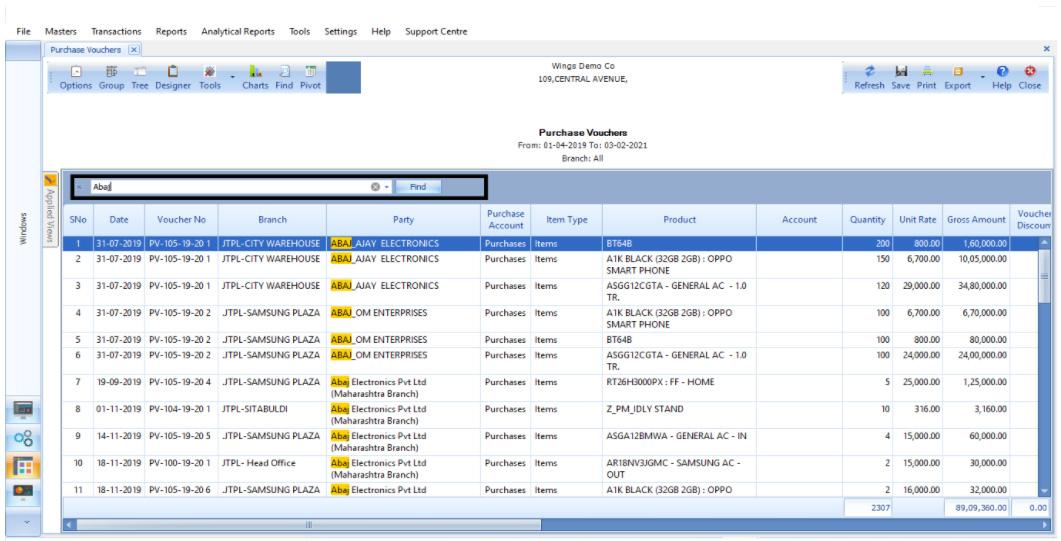
Global Search
You can search or find anything in the entire report to save time and improve efficiency.
Using Matrix, Wings enables you to configure reports in multiple ways.
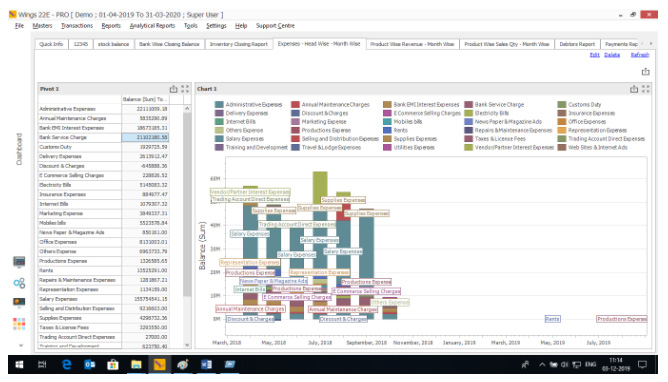
You may create new reports from existing reports or modify existing reports.
Add a new column, add a field from a transaction to a report, add a text column, and add an editable column, an image column, to reports. Apply formulae on columns. Add master columns, date columns etc. Reports modified and saved with new names can be exported and used elsewhere.
Ready to Transform Your Business?
Experience the power of Wings ERP Classic with a personalized demo